EUR


Phomo Screen-Free Digital Camera – Butter Yellow
€69,95


Phomo Screen-Free Digital Camera – Beige
€69,95


Phomo Screen-Free Digital Camera – Blue
€69,95


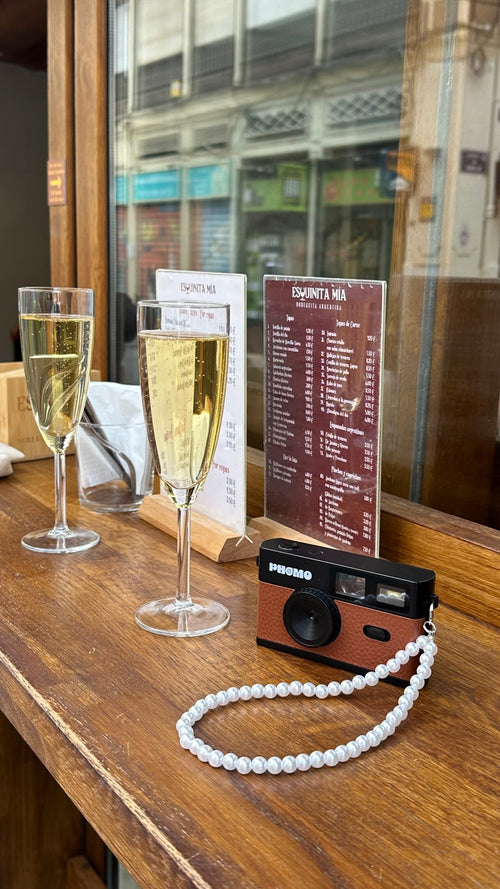
Phomo Screen-Free Digital Camera – Brown
€69,95


Phomo Screen-Free Digital Camera – Burgundy Red
€69,95


Phomo Screen-Free Digital Camera – Orange
€69,95


Phomo Screen-Free Digital Camera – Mint Green
€69,95


Phomo Screen-Free Digital Camera – Olive Green
€69,95


Phomo Screen-Free Digital Camera – Pink
€69,95


Phomo Screen-Free Digital Camera – Taupe
€69,95


Our reviews
Trusted by 10,000+ happy customers
Let customers speak for us
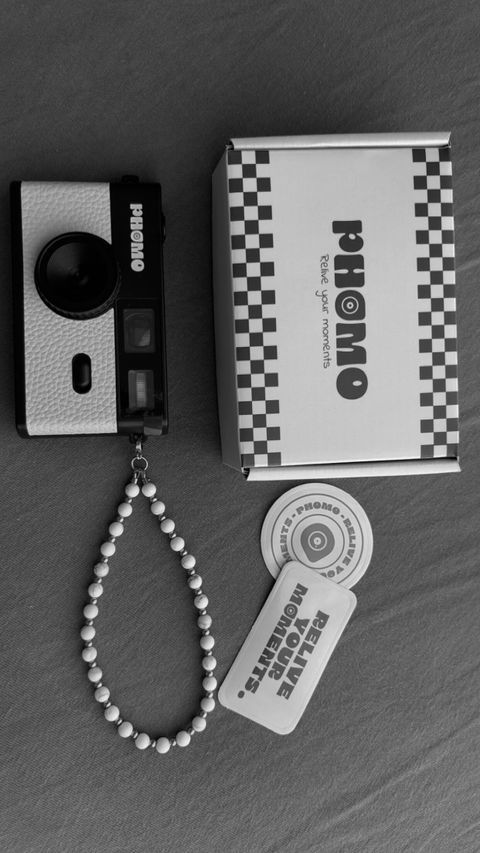
the best digital camera ever!! easy to use, powerful battery use and amazing pictures!
Super leuke en lichte camera ook een leuk kleurtje ik heb al veel complimenten gekregen hierdoor.
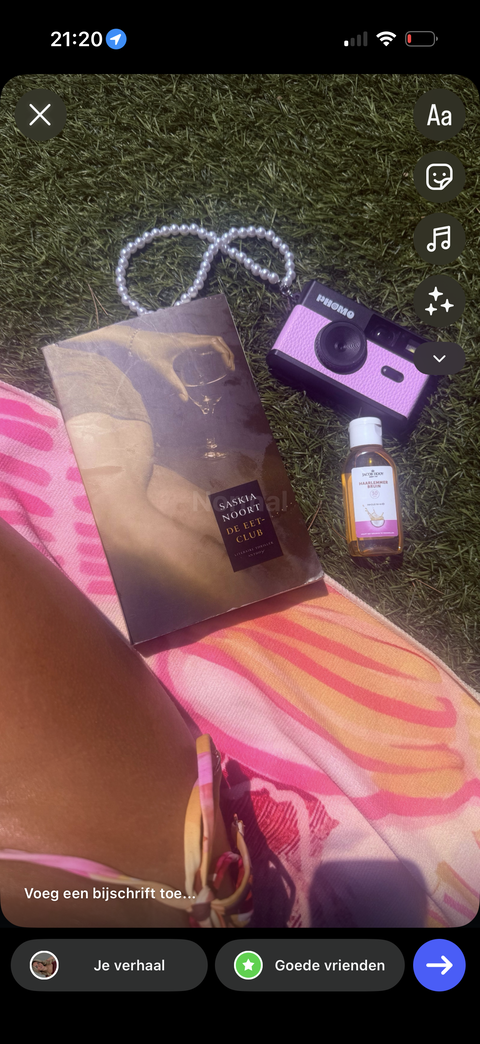
Very good

Ik ben heel tevreden over de camera. Heb de camera mee genomen op reis en heb hele mooie foto’s kunnen nemen! Ik raad het iedereen aan!

Leuke foto's, het overzetten op de gsm is ook super gemakkelijk en gaat super snel, camera heeft leuke filter en het 'wegwerpcamera effect'. Het enigste kleine minpuntje vind ik is dat die snel wazige foto's neemt. Al bij al super tevreden over en zeker een aanrader.

Fantastisch!!!
Heb hem gebruikt voor mijn 21 diner en het heeft zo’n leuk detail gegeven. Super leuk om achteraf de foto’s te bekijken.
Raad hem iedereen aan. Makkelijk in omgang en alles

Het is een leuke camera alleen snap ik de plus en min knopjes niet. En hier staat ook niks over in de handleiding. Ook kon ik nergens zien hoelang de batterij mee gaat. Maar de foto’s zien er heel leuk uit!!
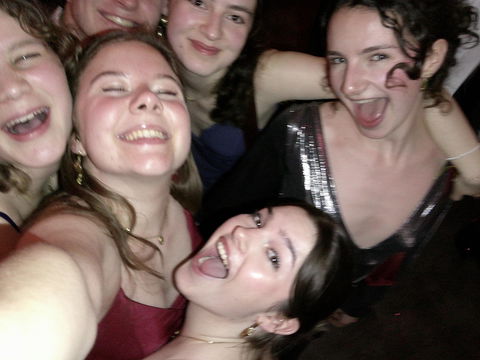
Ik heb deze camera een tijdje geleden gekocht en ik had nooit verwacht dat ik er zo blij mee zou zijn! Ik neem deze camera overal mee naartoe: naar het terras en avondjes uit in de club, en ook mee op vakantie.
Het is echt een topding. Je maakt super gemakkelijk foto's. Er zitten ook 4 verschillende filters op om mee te variëren en is de kwaliteit van de foto's echt top. Ik raad deze camera echt aan iedereen aan!

I've been using my Phomo camera for over a year now and have taken it with me on all my trips. It's an amazing little camera that helps me stay present and enjoy my surroundings while still capturing beautiful memories. It's lightweight, easy to carry, and looks super cute. Even after a year, I still love using it and would highly recommend it to anyone looking for a fun and simple camera!
Geweeldige camera, verschillende filters en hij ziet er ook megaaa leuk uit! En de foto’s zijn zooo makkelijk over te zetten op je telefoon, letterlijl binnen een minuut😍
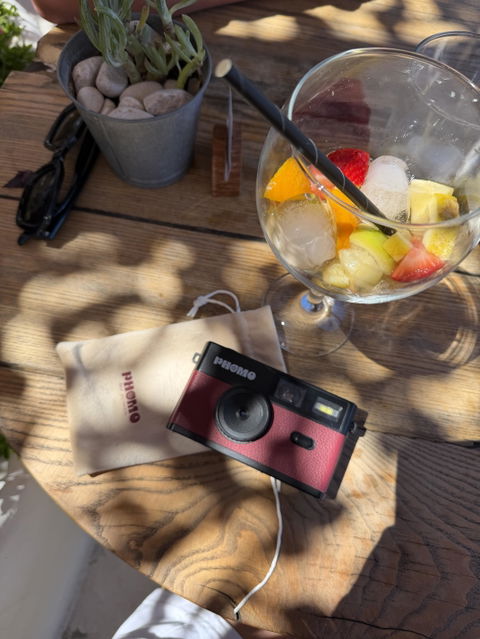
I’m so happy with this camera! What I love most is that you don’t see the photos straight away, so you don’t have to worry about whether they turned out well, you can just keep going and enjoy the moment. The camera also has several filters, which is so much fun!
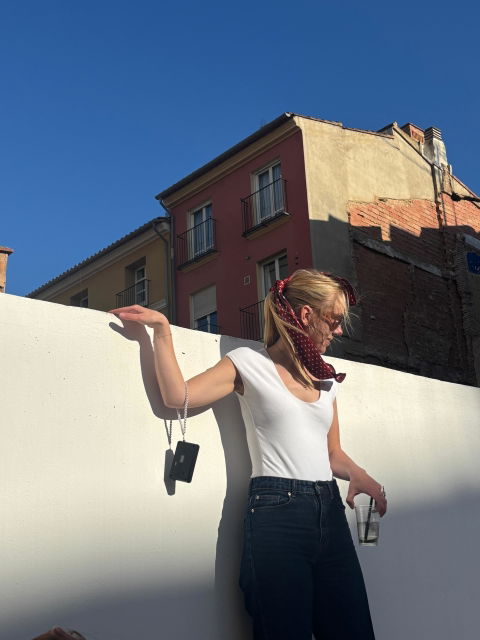
The Phomo Camera is amazing!
So easy to take with you wherever you go, capture all the good moments without using your phone the whole time and the quality is great. Easy to put the pictures afterwards on your phone. Would 100% recommend.

De camera is echt geweldig! De foto’s zijn van een hele leuke oude kwaliteit. En het allerleukste er aan is dat je de foto’s zo op je telefoon kan zetten en niet hoeft in te leveren en ze alleen op foto papier krijgt! Je hebt je telefoon nergens voor nodig en kan je lekker thuis laten en al je favorieten moment vast leggen op de phomo camera. In plaats van dat je de hele tijd met je telefoon bezig bent!!

Leuke camera, net als een weg werp maar toch onbeperkt foto’s trekken en makkelijk over te zetten naar mijn gsm
Super leuk concept! Nu al mijn geld zeker waard, he al meer dan 400 foto’s gemaakt in de afgelopen weken van dat ik de camera in bezit heb.
How it works
Four steps. No app needed.
-
Turn on
Press the on/off button.
-
Choose your filter
Standard, B&W, Analog or Retro.
-
Shoot
Press the shutter.
-
Transfer via USB-C
Plug into your phone or laptop.
Four filters
One camera. Four looks.
You choose the filter on the camera itself, before you take the photo. The same shot, four ways.
Choose your Phomo
Phomo Screen-Free Digital Camera – Butter Yellow
€69,95
Phomo Screen-Free Digital Camera – Beige
€69,95
Phomo Screen-Free Digital Camera – Blue
€69,95
Phomo Screen-Free Digital Camera – Brown
€69,95
Phomo Screen-Free Digital Camera – Burgundy Red
€69,95
Phomo Screen-Free Digital Camera – Orange
€69,95
Phomo Screen-Free Digital Camera – Mint Green
€69,95
Phomo Screen-Free Digital Camera – Olive Green
€69,95
Phomo Screen-Free Digital Camera – Pink
€69,95
Phomo Screen-Free Digital Camera – Taupe
€69,95

Frequently asked questions
Is the Phomo camera reusable?
Yes. Unlike disposable cameras, Phomo is reusable and rechargeable. Transfer your photos, clear space on your SD card and start capturing new memories again.
Do I need a special app to download my photos?
No app is needed. You can transfer your photos directly from the camera to your iPhone, laptop or computer.
Does the Phomo camera have a flash?
Yes. The Phomo camera has a built-in flash for darker moments. You turn it on and off with the button on the front of the camera.
How many photos can I take?
As many as you like. The included 8 GB SD card holds about 2,000 photos. Want more? Use your own SD card of up to 128 GB. Card full? Transfer your photos, clear the card and start again.